
Обзор
SHT45 — это высокоточный цифровой датчик температуры и влажности от Sensirion с улучшенной производительностью и высокой стабильностью. Он обеспечивает превосходную точность измерений и идеально подходит для профессиональных приложений экологического мониторинга.
Примечание: Датчик SHT45 имеет аналогичную структуру и подключение как SHT40/SHT41. Для получения подробной информации используйте примеры кода ниже.
SHT45 — это высокоточный датчик температуры и влажности от швейцарской компании Sensirion. Датчик обеспечивает отличную точность и стабильность измерений. Благодаря широкому диапазону питания и I2C интерфейсу, он легко интегрируется с ESP32, Arduino и другими микроконтроллерами.
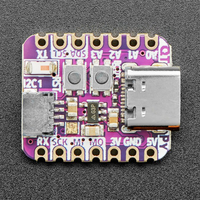
⚡ Ключевые особенности
- Высокая точность — ±0.2°C для температуры, ±1.8% RH для влажности
- I2C интерфейс — простая интеграция
- Низкое энергопотребление — идеально для батарейных устройств
- Высокая стабильность — долгосрочная стабильность показаний
Технические характеристики SHT45
Распиновка SHT45
Подключение аналогично SHT40/SHT41:
| Вывод | ESP32 | Описание |
|---|---|---|
| VDD | 3.3V | Питание |
| GND | GND | Земля |
| SDA | GPIO21 | I2C данные |
| SCL | GPIO22 | I2C тактирование |
Подключение к ESP32
Подключение аналогично SHT40/SHT41. Адрес I2C: 0x44
Примеры кода
Примеры кода аналогичны SHT40/SHT41. Используйте библиотеку Adafruit SHT4x.
Arduino
#include <Wire.h>
#include "Adafruit_SHT4x.h"

Adafruit_SHT4x sht4 = Adafruit_SHT4x();

void setup() {
  Serial.begin(115200);
  if (!sht4.begin()) {
    Serial.println("Не найден SHT4x!");
    while (1) delay(10);
  }
}

void loop() {
  sensors_event_t humidity, temp;
  sht4.getEvent(&humidity, &temp);
  Serial.print("Температура: ");
  Serial.print(temp.temperature);
  Serial.println(" °C");
  Serial.print("Влажность: ");
  Serial.print(humidity.relative_humidity);
  Serial.println(" %");
  delay(2000);
}
ESPHome
sensor:
  - platform: sht4x
    temperature:
      name: "SHT45 Temperature"
    humidity:
      name: "SHT45 Humidity"
    address: 0x44
    update_interval: 2s
Примечание: Подробная документация аналогична SHT40/SHT41.
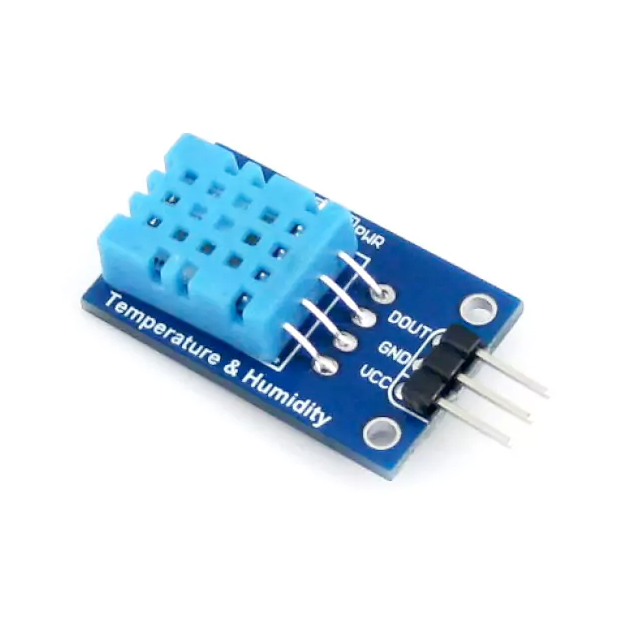
View on Amazon
Overview
The SHT45 is a high-accuracy digital temperature and humidity sensor with a compact design and low power consumption. Its I²C interface and wide operating voltage range make it ideal for various environmental monitoring applications.
Quick Navigation
Code Examples
[

Arduino
C++ Framework
](#arduino)[

ESP-IDF
Native Framework
](#esp-idf)[

ESPHome
YAML Configuration
](#esphome)[

PlatformIO
IDE & Toolchain
](#platformio)
About SHT45 Temperature and Humidity Sensor
The SHT45, part of Sensirion’s 4th-generation sensor platform, delivers industry-leading accuracy for temperature and humidity measurements. Its compact size, low power consumption, and wide voltage range make it perfect for HVAC systems, data loggers, and environmental monitoring.
⚡ Key Features
- Ultra-High Accuracy – ±1.0% RH (humidity) and ±0.1°C (temperature).
- Low Power & Wide Voltage Range – Operates from 1.08V to 3.6V, ideal for battery-powered devices.
- I²C Communication – Simple integration with ESP32, Arduino, and embedded systems.
- Compact & Reliable – Optimized for long-term environmental sensing.
With its exceptional precision and efficiency, the SHT45 is a top choice for advanced climate monitoring and industrial applications. 🚀
Technical Specs
SHT45 Specifications
Complete technical specification details for SHT45 Temperature and Humidity Sensor
📊 Technical Parameters
Interface I²C
Operating Voltage 1.08V to 3.6V
Temperature Range -40°C to +125°C
Temperature Accuracy ±0.1°C
Humidity Range 0% to 100% RH
Humidity Accuracy ±1.0% RH
Resolution 16-bit
Power Consumption 0.4 µA (at 1 Hz measurement rate)
Response Time Temperature: 2s (τ63%); Humidity: 4s (τ63%)
Dimensions 1.5mm x 1.5mm x 0.5mm
Pin Configuration
SHT45 Pinout
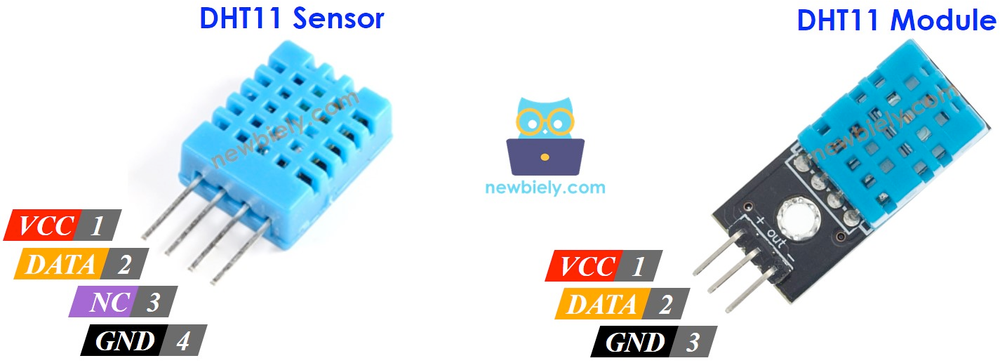
The SHT45 uses standard I²C communication with 4 pins, optimized for high precision and low power.
Visual Pinout Diagram
Pinout Diagram Primary
4
Total Pins
Pin Types
Power
2
Communication
2
Quick Tips
🔌
Standard I²C interface for easy integration,📡 Default I²C address is 0x44
💡
Exceptional accuracy: ±0.1°C temp, ±1% humidity,🔋 Ultra-low voltage (1.08V-3.6V) for battery applications
🏆
Top-tier sensor in SHT4x series
Pin Descriptions
Pin Name
Type
Description
Notes
1 VDD
Power
Power supply input (1.08V to 3.6V)
Ultra-low voltage for battery-powered devices
2 GND
Power
Ground connection
Connect to ESP32 ground
3 SDA
Communication
I²C data line
Bidirectional data communication
4 SCL
Communication
I²C clock line
Clock signal from master device
Connection Guide
Wiring SHT45 to ESP32
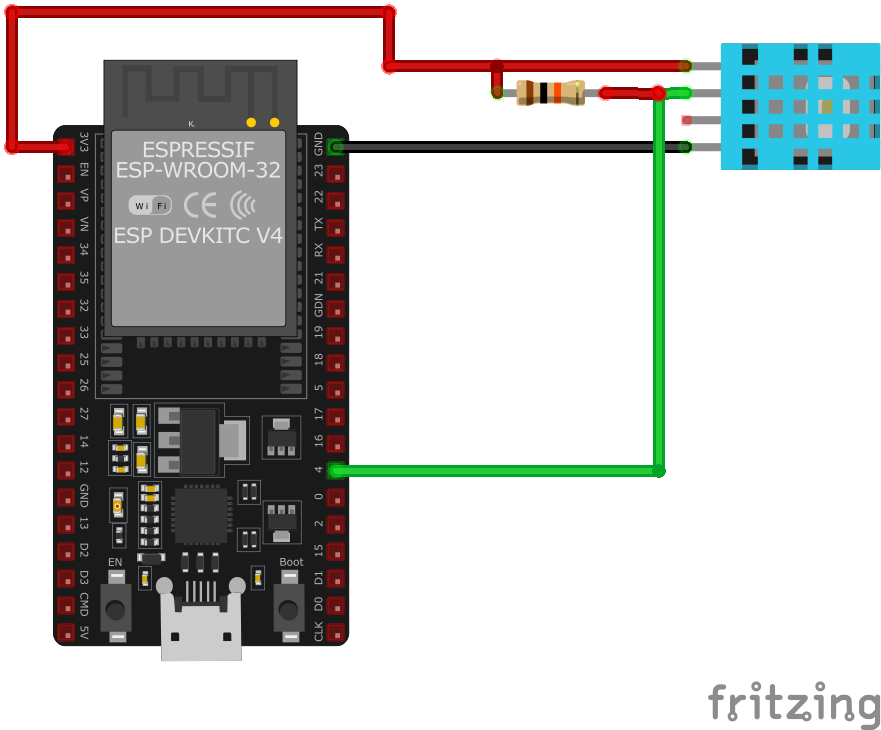
Connect the SHT45 using standard I²C interface for maximum precision in low-power applications.
Visual Wiring Diagram
Wiring Diagram Recommended
4
Connections
Connection Status
Required
4
Protocol
I2C
Pin Connections
SHT45 Pin
Connection
ESP32 Pin
Description
1 VDD Required
3.3V
Power supply (1.08V to 3.6V supported)
2 GND Required
GND
Ground connection
3 SDA Required
GPIO21
I²C data line (default SDA)
4 SCL Required
GPIO22
I²C clock line (default SCL)
💡
GPIO21/22 are default I²C pins on ESP32
🔧
I²C address is 0x44 (fixed)
⚡
Add 10kΩ pull-up resistors on SDA/SCL if needed
🔋
Ideal for ultra-low power IoT applications
Help & Support
SHT45 Troubleshooting
Common issues and solutions to help you get your sensor working
Common Issues
❌ Sensor Initialization Failure
Issue: The sensor fails to initialize, and no data is received.
Solution: Ensure that the SDA and SCL lines are correctly connected to the corresponding GPIO pins on the microcontroller. Verify that the power supply voltage is within the specified range (1.08V to 3.6V). Check for proper pull-up resistors on the SDA and SCL lines if required by your specific setup. Confirm that the I²C address used in your code matches the sensor’s default address (0x44).
⚠️ Incorrect Temperature or Humidity Readings
Issue: The sensor provides inaccurate temperature or humidity readings.
Solution: Avoid placing the sensor near heat sources or in direct sunlight. Ensure that the sensor is not exposed to condensation or water droplets. Allow the sensor to stabilize after power-up, as recommended by the manufacturer. Calibration may be necessary for precise measurements.
🔄 Intermittent I²C Communication
Issue: Communication with the sensor is intermittent or fails.
Solution: Verify that the correct I²C address (0x44) is used in your code. Ensure that the timing requirements for the I²C signals are met. Check the integrity of the SDA and SCL connections and ensure that appropriate pull-up resistors are in place if not already included on the sensor module.
Debugging Tips
Serial Monitor
Use the Serial Monitor to check for error messages and verify the sensor’s output. Add debug prints in your code to track the sensor’s state.
Voltage Checks
Use a multimeter to verify voltage levels and check for continuity in your connections. Ensure the power supply is stable and within the sensor’s requirements.
Additional Resources
[
Datasheet
Technical specifications and guidelines
](https://sensirion.com/media/documents/33FD6951/6555C40E/Sensirion_Datasheet_SHT4x.pdf)
Code Examples
SHT45 Programming Examples
Ready-to-use code examples for different platforms and frameworks
Arduino Example
Compatible with Arduino IDE and ESP32 boards
C++
#include <Wire.h>#include "Adafruit_SHT4x.h"Adafruit_SHT4x sht4 = Adafruit_SHT4x();void setup() { Serial.begin(115200); if (!sht4.begin()) { Serial.println("Couldn't find SHT4x"); while (1) delay(10); } Serial.println("Found SHT4x sensor");}void loop() { sensors_event_t humidity, temp; sht4.getEvent(&humidity, &temp); Serial.print("Temperature: "); Serial.print(temp.temperature); Serial.println(" °C"); Serial.print("Humidity: "); Serial.print(humidity.relative_humidity); Serial.println(" %"); delay(2000);}This Arduino code initializes the SHT45 sensor using the Adafruit SHT4x library. In the setup() function, it sets up serial communication and attempts to initialize the sensor. If the sensor is not found, it prints an error message and halts execution. In the loop() function, it reads temperature and humidity data from the sensor and prints the values to the Serial Monitor every two seconds.
ESP-IDF Example
Official Espressif IoT Development Framework
C++
#include "sht4x.h"#include "esp_log.h"#define I2C_MASTER_SCL_IO 22#define I2C_MASTER_SDA_IO 21#define I2C_MASTER_FREQ_HZ 100000#define SHT45_ADDR 0x44static const char *TAG = "SHT45";void app_main() { ESP_LOGI(TAG, "Initializing SHT45..."); sht4x_dev_t dev; sht4x_init(&dev, I2C_MASTER_SCL_IO, I2C_MASTER_SDA_IO, I2C_MASTER_FREQ_HZ, SHT45_ADDR); while (1) { float temperature, humidity; if (sht4x_read_temperature(&dev, &temperature) == ESP_OK && sht4x_read_humidity(&dev, &humidity) == ESP_OK) { ESP_LOGI(TAG, "Temperature: %.2f°C", temperature); ESP_LOGI(TAG, "Humidity: %.2f%%", humidity); } else { ESP_LOGE(TAG, "Failed to read data from SHT45 sensor"); } vTaskDelay(2000 / portTICK_PERIOD_MS); }}This ESP-IDF code configures the ESP32 to communicate with the SHT45 sensor over I²C. The sht4x_init function initializes the sensor, while sht4x_read_temperature and sht4x_read_humidity fetch temperature and humidity data. The values are logged to the console every two seconds, and errors are reported if data retrieval fails.
ESPHome Example
Home Assistant ESPHome configuration
YAML
sensor: - platform: sht4x temperature: name: "SHT45 Temperature" humidity: name: "SHT45 Humidity" address: 0x44 update_interval: 2sThis ESPHome configuration sets up the SHT45 sensor to measure temperature and humidity over I²C. The sensor readings update every two seconds, and the default I²C address is 0x44.
PlatformIO Example
Professional development environment
C++
platformio.ini
[env:esp32dev]platform = espressif32board = esp32devframework = arduinolib_deps = adafruit/Adafruit SHT4x Library wiremonitor_speed = 115200main.cpp
#include <Wire.h>#include "Adafruit_SHT4x.h"Adafruit_SHT4x sht4 = Adafruit_SHT4x();void setup() { Serial.begin(115200); if (!sht4.begin()) { Serial.println("Couldn't find SHT4x"); while (1) delay(10); } Serial.println("Found SHT4x sensor");}void loop() { sensors_event_t humidity, temp; sht4.getEvent(&humidity, &temp); Serial.print("Temperature: "); Serial.print(temp.temperature); Serial.println(" °C"); Serial.print("Humidity: "); Serial.print(humidity.relative_humidity); Serial.println(" %"); delay(2000);}This PlatformIO code initializes the SHT45 sensor using the Adafruit SHT4x library. The sensor communicates over I²C, and the program continuously reads and prints temperature and humidity values to the Serial Monitor every two seconds.
Summary
Wrapping Up SHT45
The ESP32 SHT45 Temperature and Humidity Sensor is a powerful environment sensor that offers excellent performance and reliability. With support for multiple development platforms including Arduino, ESP-IDF, ESPHome, PlatformIO, and MicroPython, it’s a versatile choice for your IoT projects.
Best Practices
For optimal performance, ensure proper wiring and follow the recommended configuration for your chosen development platform.
Safety First
Always verify power supply requirements and pin connections before powering up your project to avoid potential damage.
Ready to Start Building?
Now that you have all the information you need, it’s time to integrate the SHT45 into your ESP32 project and bring your ideas to life!
View Code Examples Download Datasheet
Similar Options
Explore Alternative Sensors
Looking for alternatives to the SHT45? Check out these similar sensors that might fit your project needs.
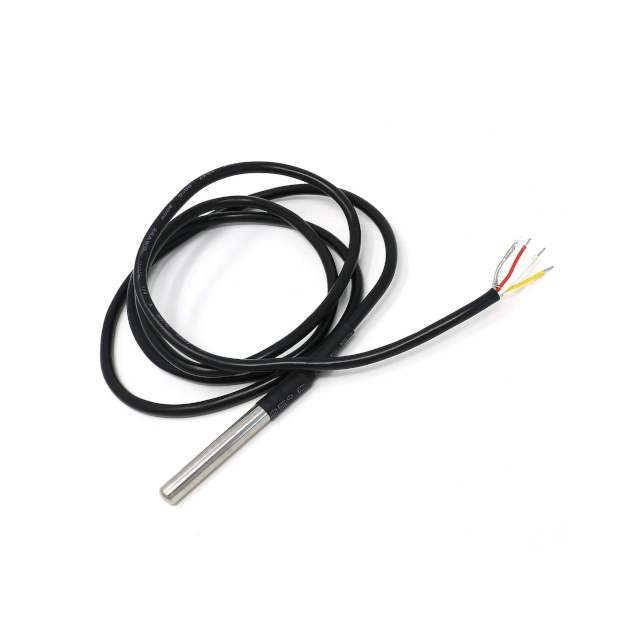
DS18B20 Dallas Temperature Sensor
ENVIRONMENT 1-Wire
The DS18B20 is a digital temperature sensor widely used in microcontroller-based applications. It communicates via the 1-Wire…
View Details
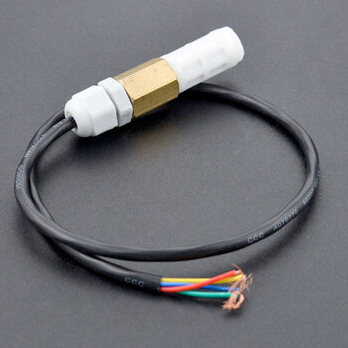
SHT20 Temperature and Humidity Sensor
ENVIRONMENT I2C
The SHT20 sensor is a digital temperature and humidity sensor that utilizes Sensirion’s CMOSens® technology. It provides calibrated,…
View Details
DHT11 Temperature and Humidity Sensor
ENVIRONMENT Analog
The DHT11 is a low-cost digital sensor for measuring temperature and humidity. It provides calibrated digital outputs and is easy to…
View Details